
English
VitePress blog favicon not showing in Google search results? Fix it in 3 steps

After setting up the VitePress blog and submitting it to Google, I noticed that my site never displayed a logo/icon in the search results, making it look far less impressive than other sites in terms of presentation.
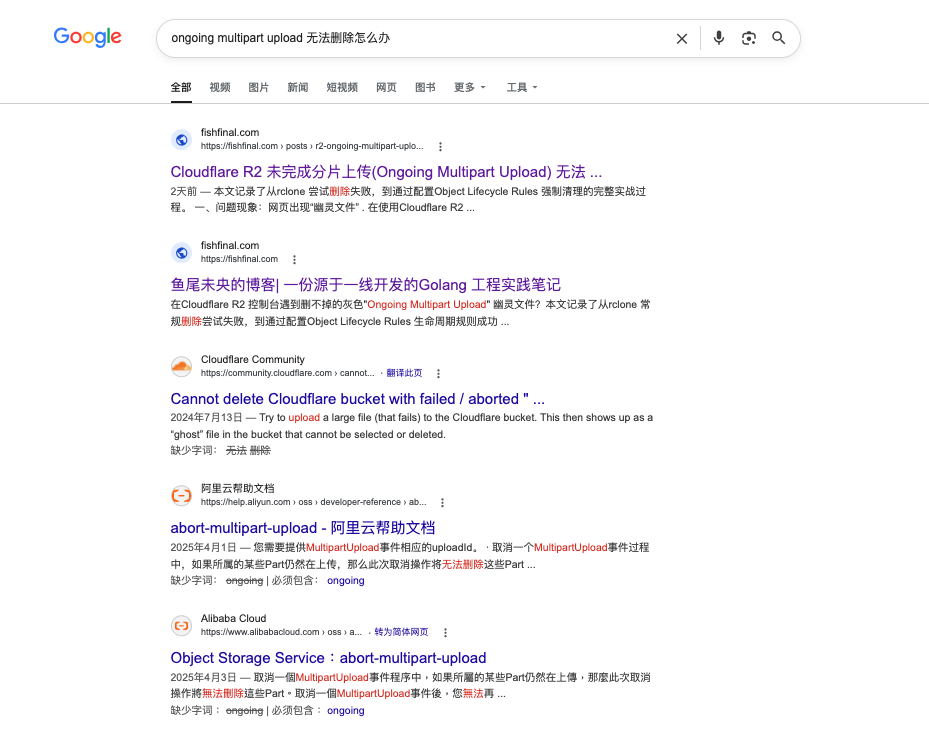
After troubleshooting, it was found that the problem was actually very simple, but easily overlooked.
1. Phenomenon
Search on Google site:fishfinal.com At this time, there is only text on the left side of the results list, and the website's favicon is not displayed.
In contrast, search results on other sites (such as GitHub and Stack Overflow) all have clear small icons.
This means Google did not correctly fetch my site icon.
2. Troubleshooting process
2.1 Check whether favicon.ico exists in the root directory
Access directly in the browser https://fishfinal.com/favicon.ico:
If it is 404 → the file does not exist
If plain text content is returned → the file format is incorrect
If a clear icon is returned → the file exists, and the problem lies in how it is referenced
My situation is:The file exists; the problem lies in how it is referenced., you just need to regenerate the favicon and reference it.
2.2 Check whether the HTML contains a favicon reference
查看首页源码,确认 <head> whether there is in rel="icon" of link label.
VitePress does not add a favicon reference by default unless you explicitly specify it in the configuration.
2.3 Check whether robots.txt is mistakenly blocking
Confirm robots.txt Google crawling is not prohibited./favicon.ico.
3. Solution
3.1 Generate favicon file
I used favicon.io Online generation tool:
Upload a square logo image
Generate a compressed archive containing the following files:
favicon.ico(Main icon)favicon-32x32.pngfavicon-16x16.pngapple-touch-icon.pngsite.webmanifest
3.2 Put the icon file into public Table of Contents
VitePress's public The files in the directory will be copied as-is to the root directory after the build.
Copy all extracted files to:
docs/public/
├── favicon.ico
├── favicon-32x32.png
├── favicon-16x16.png
├── apple-touch-icon.png
└── site.webmanifest
3.3 Referencing in the VitePress configuration
At .vitepress/config.mts of head Add to the array:
ts
export default defineConfig({
  head: [
    // ... other meta tags

    // Standard favicon
    ['link', { rel: 'icon', href: '/favicon.ico', type: 'image/x-icon' }],
    // Modern browsers recommend using the PNG format.
    ['link', { rel: 'icon', href: '/favicon-32x32.png', sizes: '32x32', type: 'image/png' }],
    ['link', { rel: 'icon', href: '/favicon-16x16.png', sizes: '16x16', type: 'image/png' }],
    // Apple devices
    ['link', { rel: 'apple-touch-icon', href: '/apple-touch-icon.png', sizes: '180x180' }],
    // Progressive Web App manifest
    ['link', { rel: 'manifest', href: '/site.webmanifest' }],
  ],
})
3.4 Rebuild and deploy
bash
npm run docs:build
# Deploy to the server
4. Verification Method
4.1 Direct Access
Open in browser https://fishfinal.com/favicon.ico, you should be able to see a clear icon pattern.
4.2 在 Google Search Console 中请求重新抓取
Go to Search Console
Enter homepage URL
Click “Request indexing”
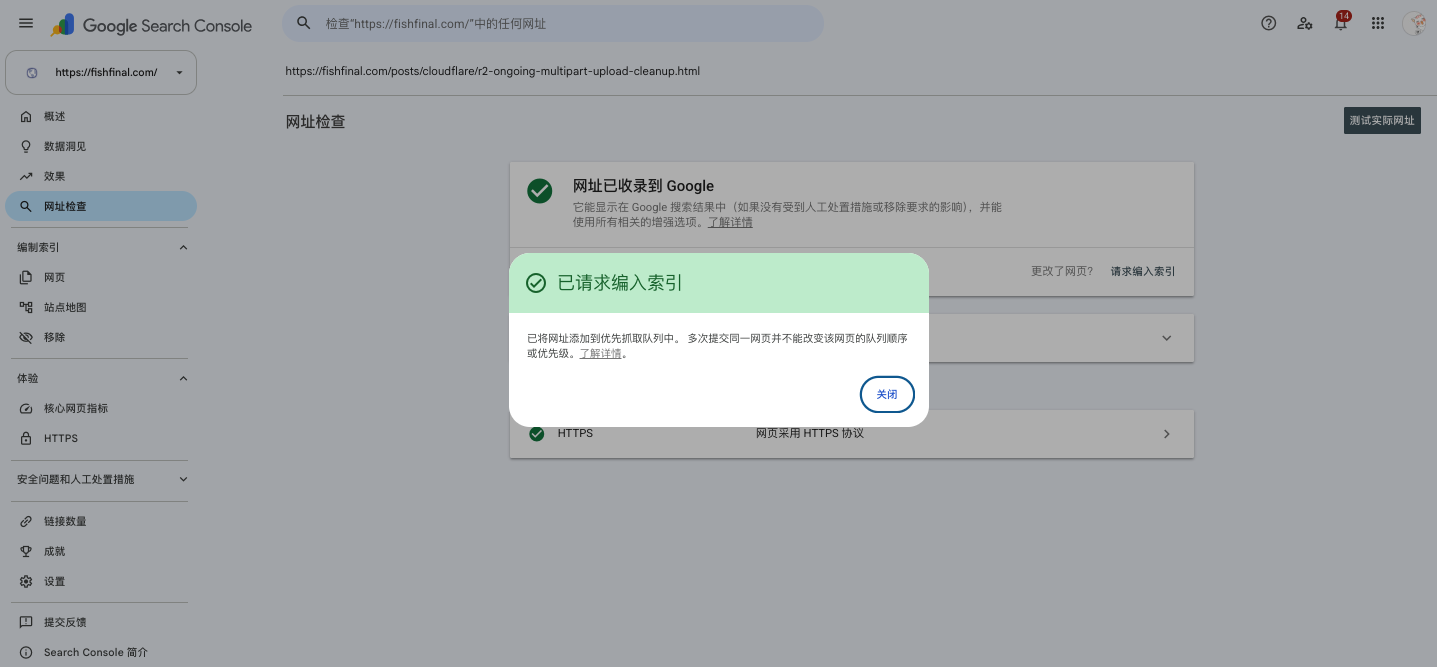
4.3 Wait patiently
It may take 1–3 days, or even longer, for Google to update the favicon in search results. But as long as it is configured correctly, the icon will eventually appear.
5. Precautions
Google does not guarantee that a favicon will be displayed.: Even if configured correctly, Google may not display for some reasons, and this is normal.
The icon needs to be square: The favicon recommended by Google is a 48x48 or 32x32 square icon.
Cache issue: Cloudflare or the browser may cache an old favicon; clear the cache and try again.
6. Summary
VitePress does not provide a favicon by default and requires manual configuration. There are only three key steps:
Generate
favicon.icoand associated icon filesPut in
publicTable of ContentsAt
config.mtspassed inheadQuote
After configuration is complete, Google will gradually update the icon display in search results. If you encounter a similar issue, just follow the steps above to resolve it.